








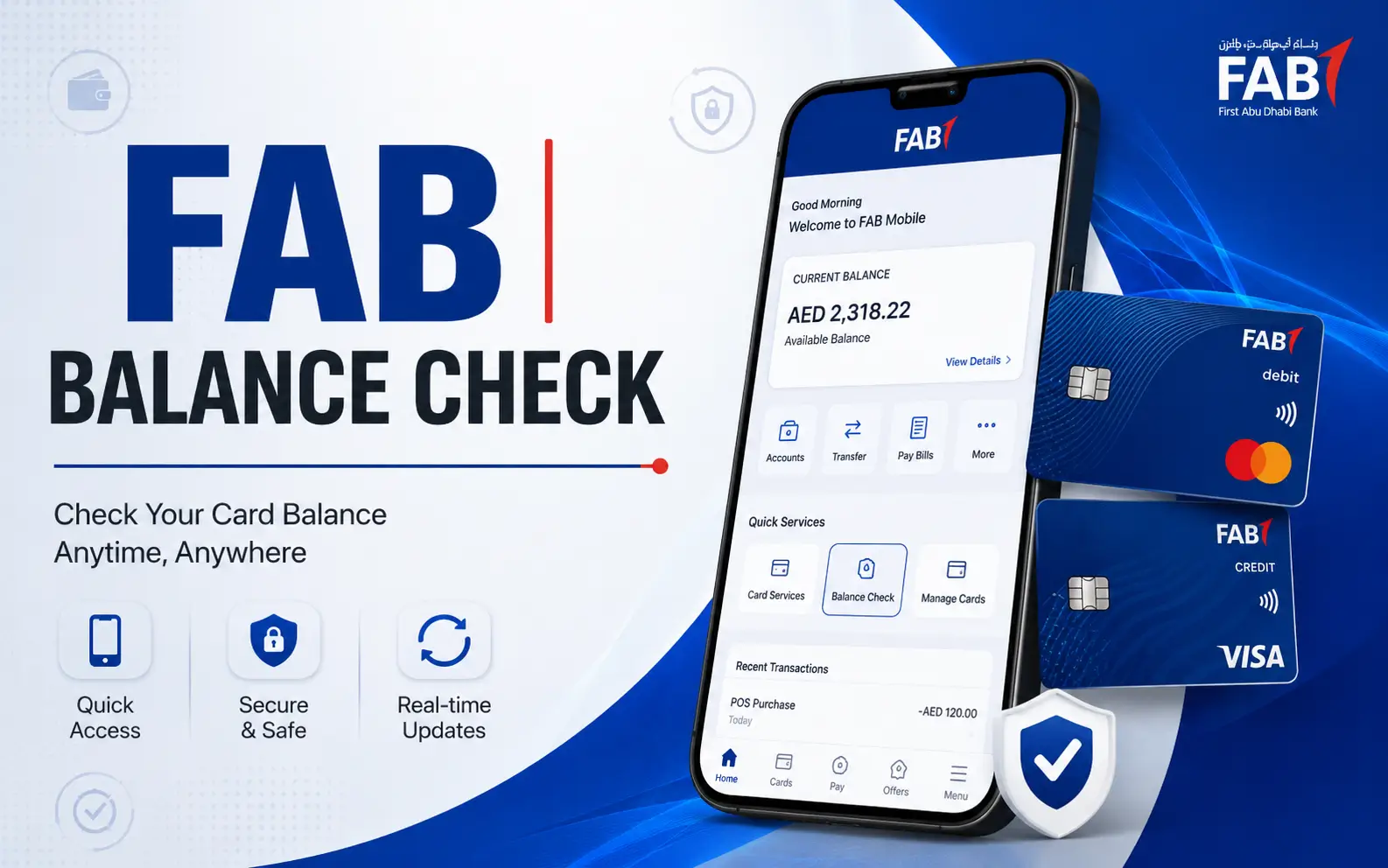
First Abu Dhabi Bank customers can check the balance of their card or account through several convenient banking channels. FAB offers different options based on your account type or card. You can check the balance of your account, confirm a payment or review recent transactions.
FAB Mobile, FAB Online Banking, or FAB ATMs allow you to check the balance of a regular FAB Account. If you have salary cards or prepaid cards, then it may be necessary to use another service for checking your account balance.
What is FAB Balance Enquiry?
Checking your FAB balance is the same as checking how much money you have in your bank account or FAB card. Digital banking can provide balance information for a current account or savings, and an ATM can do the same. FAB’s official information on service status confirms that FAB Mobile Banking and Internet Banking customers can view their account balances and transaction histories.
Cardholders need to know the difference between balances of different types. The balance of a bank account is not always checked by the same service. This distinction is especially important for those searching online to check the balance of their salary card. FAB banking channels are best for a person with a regular FAB account, while someone who holds a prepaid payroll card may require the prepaid-card inquiry service.

How to check your FAB account balance online
Digital banking is the most convenient option available to customers who have a regular FAB account.
FAB’s official website refers to FAB Mobile, its banking app. It states that customers can manage their everyday banking and check balances through the application. The app is available on Apple and Android devices, and supports English as well as Arabic.
Check your balance using FAB Mobile
Check your account via the mobile app:
- Open the official Mobile App.
- Use your banking credentials to sign in.
- Open your account or banking dashboard.
- You should see your available balance.
- If you have multiple accounts, select the one that applies.
- You can also check recent withdrawals, deposits, or payments by opening your transaction history.
FAB’s current mobile banking service confirms that customers are able to view account values and transaction histories via the application.
Apps can be much more than just a way to check a number. The same platform allows you to review recent transactions as well as manage other banking functions.
FAB also has financial management features which categorise and report on transactions. The bank claims that transactions can be filtered based on date, category, amount, merchant and card type.
Method 2: Check your balance through FAB Online Banking
FAB Internet Banking is another option if you prefer to use a computer. Log into FAB’s online banking service to access your account. FAB’s current service-status page lists that your account balance and transaction histories are available via Internet Banking.
Online banking is useful for more than just checking your balance. You can access other banking functions, such as transaction information, transfers, and payments, depending on the account you have and services available. Be sure to access the official FAB site and not a third-party website asking for your banking credentials.
How to check FAB balance at an ATM
When you don’t want to use online or mobile banking, an ATM can be useful. Insert your normal FAB debit cards into an ATM compatible with the card. Enter your PIN, and then select the option to check your balance from the menu.
FAB’s current service and pricing documents confirm that balance enquiries at FAB ATMs are free. The document also lists the charges for balance inquiries made at ATMs of other banks.
The fee guide for conventional banking is currently published and lists:
| ATMs used | Balance inquiry fee |
|---|---|
| FAB ATM | Enjoy Free Shipping |
| ATMs in other banks of UAE | AED 1.05 |
| Other Bank ATMs in GCC | AED 3.15 |
The amounts are taken from FAB’s latest service and pricing guide, which can be accessed on the official bank website.
If you are only looking for a balance and do not want to pay the fees associated with another bank’s machine, then a FAB is a better option.
What you need to know about checking your ATM balance
You will need both your PIN and physical debit card to perform a traditional balance inquiry. Don’t give out your PIN. Use another ATM if an ATM looks damaged or suspicious. Contact the bank if needed.
How To Check A FAB Credit Card’s Balance
The balance on a credit card is not the same as that of a savings or current account. FAB’s service status page confirms customers can access credit-card transactions and balances via FAB Mobile or Internet Banking.
Select your credit card instead of your bank account after signing in. The digital banking interface allows you to review your card information. It is important to note that someone could have money in their current account and a credit card balance. The wrong account could give an inaccurate picture of the amount available to spend. FAB allows its customers to pay with credit cards through digital channels.
Ratibi and FAB Salary Card Enquiry
Customers of Fab salary-cards must first identify their exact product before selecting a method to check the balance. Ratibi, a payroll-related service for prepaid cards, is associated with FAB’s prepaid card ecosystem. Prepaid cards are different from regular current and savings accounts because they carry a balance on the card, rather than just providing access to an ordinary bank account.
FAB confirms in its official information that eligible cardholders can access a web-based balance enquiry service. It is important to note that a prepaid cardholder should not assume the same process as a current account customer when searching online for balance information.

Why You Should Always Check Your Card Type
“FAB Salary Card” is a term that can be used to describe products related to payroll, which operate differently than ordinary bank accounts. Check the information and branding on your card before entering any card details. Use the official service that is associated with the product.
Use an official website only if it is listed high in the search results. Third-party websites should not have access to your online banking password, card number, OTP, PIN or other sensitive financial information.
Check the balance of a FAB Prepaid card
FAB offers a variety of prepaid cards, including cards that are designed for specific purposes. FAB’s official Payment Card page states the Payment Card is an e-wallet and offers 24/7 free access to the Prepaid Online Portal. The page also provides a free balance inquiry service for cardholders.
Prepaid-card users must distinguish their cards from standard FAB debit cards linked to current or savings accounts. The dedicated prepaid card enquiry system can provide information for eligible prepaid cards without the need to use the retail banking dashboard.
Is it Possible to Check a Prepaid Card Without a Bank Account?
FAB’s prepaid products have been designed so that conventional bank accounts are not necessary. FAB Payment Card Information, for example, states that it does not require an account at a bank and offers access to a balance inquiry service online.
It depends on the specific prepaid product. Use the instructions for checking your balance if you have a card issued by a government programme or payroll.
Customer Support: FAB Balance Inquiry
Contacting FAB directly if digital banking or ATMs are not working is an option. FAB’s contact page offers customer service resources and directs users to the bank’s support channels. The bank provides contact details for its specialised products such as Payit and FAB Islamic.
Use the FAB’s official website for contact information or phone numbers. Do not rely on numbers copied from unverified social media posts or websites. Keep the details of any transaction you made available if you’re contacting the bank to report an incorrect balance. It will be easier to explain if you’re asking about a card transaction that is pending, a transfer, upcoming salary credit, or a cash withdrawal.
What is the difference between available balance and account balance?
This can help to avoid confusion. The balance displayed on your account may not be the exact amount you can spend right away. The amount you can spend may be affected by pending transactions, card authorizations, or other account movement.
A card payment, for example, may be authorized before it’s posted to your account. A recently initiated transfer might not be complete. You should check the history instead of relying on just the headline balance if the amount you expected is different. FAB’s online services let customers view their transaction history along with balances.
The distinction is even more crucial for a credit card because the available credit, the amount due and the payment information are all different numbers.
Why your FAB balance may not look correct
There are several legitimate reasons for a balance to appear different than what you expect.
Pending Card Transactions
The amount of money available may be temporarily affected by a recent card transaction even before it appears on the normal history.
Recent Salary Credit
You may have to wait until your employer has processed the payment before the amount appears.
Recent Transfer
Depending on the type of transfer and its destination, it can take some time for a transfer to be completed. You can check your transaction history to see the transfer status.
Card Holders or Authorisations
Temporary authorisations can be required for certain transactions. Reviewing recent card activity may help determine the cause if the available amount is lower than you expected.
Multiple FAB accounts
If you have multiple accounts, make sure that the account you are viewing is the right one. FAB offers a variety of current- and savings accounts, and its digital services allow for multiple banking relationships to be displayed.
Is the FAB Balance Inquiry available 24/7?
The digital balance check is intended to be convenient and not require a branch visit. FAB’s mobile application is described as a service customers can access from anywhere at any time. The bank’s service status page also lists the balance and transaction history functions available via mobile and internet banking.
A temporary technical problem can affect any digital service. FAB has a live Status page that shows the availability of each banking function. Checking the status page can be helpful if you are unable to see your account balance.

What if FAB Mobile does not show your balance?
Check that the app works normally. Check that you are in the right section of the app if you cannot log in, but you have an account or card. Check FAB’s Service Status page to see if the problem persists.
The bank lists several digital services, including account balance, transaction history and credit-card balance. Contact FAB via its official support channels if the service is available, but you are still unable to access your account information.
Do not download unofficial apps or enter your credentials on websites that claim to offer an alternative balance check service.
Does it cost money to check your balance?
It depends on how you do it.
According to the current service and pricing guide of FAB, a balance inquiry at an ATM is free. In the same document, a fee of AED 1.05 is listed for balance inquiry transactions at ATMs belonging to other banks in the UAE. AED 3.15 is listed for ATMs belonging to other banks in the GCC.
The ATM balance inquiry fee is not charged when you check your balance digitally through FAB Mobile Banking or Internet Banking.
Customers should check the FAB fee schedule for the most recent version if they are concerned about a specific transaction.
How to keep your FAB banking information secure
Always check your balance through an official channel. FAB warns its customers against fraud and encourages them to confirm information via official channels.
Basic banking security practices
- Never give out your OTP or PIN to anyone else.
- Don’t enter your online banking credentials on a website you don’t know.
- Only download mobile banking apps from official app stores.
- Verify that you’re using the FAB website to sign in.
- Don’t send your card information to anyone who offers to “check the balance” on your behalf.
- Verify any suspicious messages that claim to come from FAB through the official support channels of the bank.
Balance-check services do not require your PIN. Do not give your PIN to a website or if someone asks for it.
Balance Inquiry for Former NBAD customers
You can still find older instructions for checking your balance if you remember using National Bank of Abu Dhabi.
FAB was formed by the merger of First Gulf Bank with National Bank of Abu Dhabi. Current banking services are offered under the FAB name. Customers should therefore use the current FAB channels instead of relying on NBAD’s old balance-check instructions. The route to take today is dependent on the product. For example, ordinary bank accounts may use FAB Mobile or Internet Banking, whereas prepaid products might have their own dedicated inquiry system.
FAB is a great way to confirm an old number, SMS instructions, or the legacy website.
What is the best method to check your balance?
What you own will determine the best option for you.
| Your FAB Product | Recommended Method |
|---|---|
| Current Account | FAB Mobile or Internet Banking |
| Savings Account | FAB Mobile or Internet Banking |
| Card linked to Account | FAB Mobile, Internet Banking and FAB ATM |
| FAB credit card | FAB Mobile or Internet Banking |
| Eligible prepaid card | A dedicated prepaid card enquiry service |
| Payroll/prepaid Salary Card | You can contact the card’s manufacturer directly by checking their official inquiry channel. |
| Technical Problem | Official customer support or FAB Status |
FAB’s service information currently supports mobile and web balance viewing of accounts and cards. Its prepaid-card documentation also provides an online inquiry route for eligible products.
Final Verdict
It’s easy to check your FAB account balance when you use the channel for your banking product. Customers with regular current or savings accounts can check their balances using FAB mobile, Internet Banking, or a FAB ATM. Credit-card holders can access the balance of their cards and view transactions via FAB’s digital services.
Customers of prepaid and payroll cards should be aware that these products may use different systems for requesting balance information. FAB’s official information on prepaid cards confirms that eligible prepaid cards can access an online balance inquiry facility.
The current fee guide for FAB ATMs confirms that users can obtain free balance inquiries when using FAB ATMs, but charges may apply if they use another bank’s ATM.
Read Also: FAB iSave Account
Frequently asked questions
Can I check my FAB online balance?
Log in to FAB Mobile or FAB Internet Banking, and then open the account information. FAB confirms that both channels allow you to view account balances and transaction history.
How can I find out the FAB balance in the simplest way?
FAB Mobile offers the best convenience for a regular account because it allows you to access account information as well as other banking features from your phone. FAB describes its app as a mobile banking platform that is used for everyday banking.
Can I check the balance of my FAB at an ATM?
Yes. You can check your balance at any FAB ATM by using a card that is eligible. According to the current FAB fee guide, balance inquiries at FAB ATMs will be free.
Does a FAB ATM balance inquiry cost anything?
Yes. The FAB published service and price guide lists FAB balance inquiry as free. The guide also lists the charges for requesting balances at ATMs of other banks.
How can I check the balance of my FAB Credit Card online?
Yes. FAB’s page on service status confirms that FAB Mobile and Internet Banking customers can access their credit card balances and transactions.
How can I check the balance of my FAB Prepaid Card?
The process depends on the product. FAB’s official Payment Card Page states that cardholders who are eligible have access to an online portal for prepaid products and can check their balance online.
Can I check my Ratibi salary-card balance?
The answer is yes, but it depends on which Ratibi product or payroll card you have. Users of the salary card should contact their official enquiry channel rather than assume that they can check their current account balance using the regular process.
Why does my FAB balance differ from what I expected
Check out your recent transactions first. The amount you have available may differ from your expectations due to pending card transactions, recent transfers, salary credits and other account movement. FAB offers digital banking channels that allow you to access your transaction history.
How can I check my account balance without going to a FAB branch?
Yes. Customers with regular accounts can use FAB Mobile or Internet Banking. Customers of eligible prepaid cards may have access to an online balance inquiry service.
How can I check my FAB Mobile balance if it is not displayed?
Check FAB’s official Service Status Page to determine if the account and card services are working normally. If your account balance is still not showing up, you can contact FAB via its official support channels.
Can I enter my FAB balance on third-party sites?
Avoid entering sensitive card or banking information on third-party websites that check your balance. Use the official FAB channels for digital banking, ATMs or customer support. FAB advises its customers to confirm their banking information via official channels.