








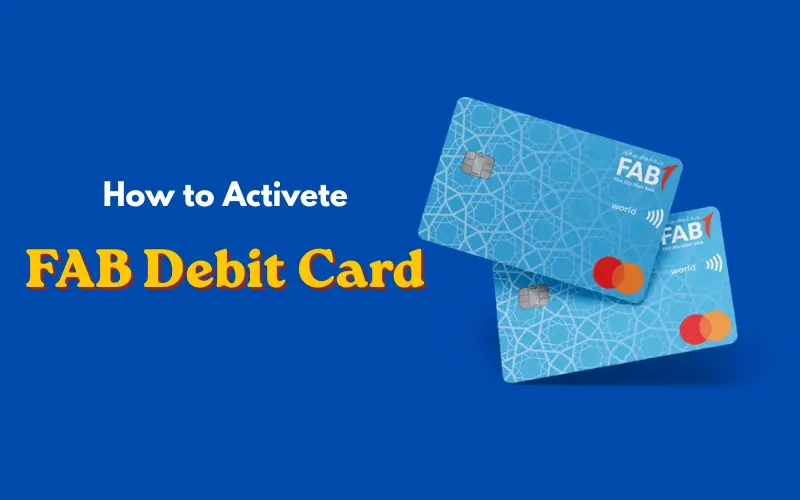
You need to activate your debit card before you can use it for everyday payments. Your cash deposit card needs to be activated correctly, whether you are using it to get cash, or for shopping online, or pay at stores. If you have recently received a FAB debit card, you may wonder how you can activate it swiftly and carefully.
This is complete information that describes the activation of a FAB debit card with various approaches that are quite easy to follow, and a hassle-free approach. It can clarify any explanations in simple words, making it capable of being understood by the unskilled and the expert.
What is a FAB Debit Card
A FAB debit card is a debit payment card that is directly connected to your bank account. It enables you to withdraw amounts from it whenever you want, even without going to the bank branch.
Key Features of FAB Debit Card
FAB Debit Card offers some convenient features that make the banking process easy and simple. You can withdraw cash from ATMs and use the card to make purchases at stores and shop online without any problems. Many of the cards can also operate as a contactless card, so you can just tap your card at a machine to pay.
Types of FAB Debit Cards
There are various kinds of debit cards offered, consisting of Visa cards as well as master card cards. While both are similar in functionality, they might vary in terms of their acceptance in the world and other extra features.
Must Visit: FAB Balance Check Complete Easy Guide to All Methods in 2026
Why Activation is Important
Security reasons mean that you must enable your debit card. Banks leave the card unreleased until it arrives at the customer, so that it won’t be used. Upon activation, the card can be used for transactions.
Through activation, you can also:
- Select your PIN
- Enable ATM withdrawals
- Pay online and in-store with the card provided
- Enjoy secure banking with the technology. Use the technology of secure banking.
Requirements Before Activating FAB Debit Card
Before the activation process begins, you should have the following:
Essential Details
You must have your Debit card, your bank details, and a registered mobile number. The mobile number is key as your mobile might receive a one-time password (OTP) for verification.
Security Verification
The banks employ secure methods to verify your identity. This could be that they have to input a temporary PIN, receive an OTP, or answer security questions.
Methods to Activate FAB Debit Card
You can sign up for your debit card in a variety of ways, and it is easy to activate once enrolled. First Abu Dhabi Bank offers several choices to ensure that you find the one that works best for you.
1. Activate FAB Debit Card via ATM
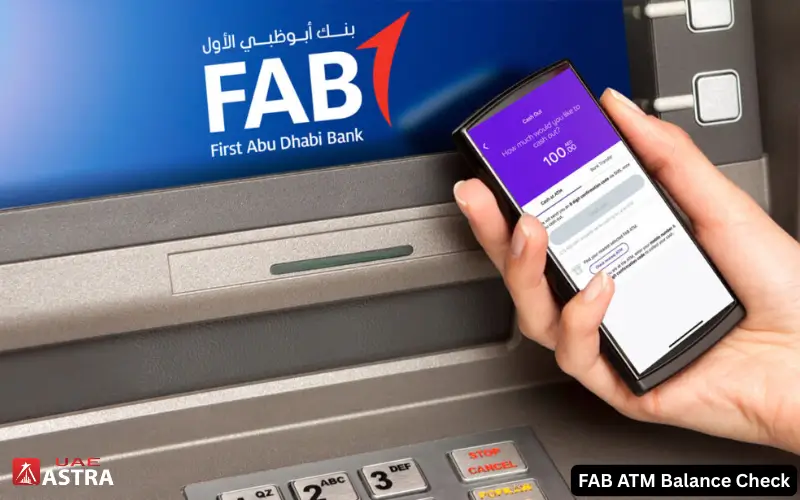
It is one of the simplest and quickest approaches.
- Make sure to go to your nearest FAB ATM.
- Put your Debit Card into the machine.
- Click on the desired language (it is necessary to have it installed on the computer).
- Click on the Insert your temporary PIN (if applicable)
- Follow the directions of the computer
- Please set a new PIN for your card
- Confirm the process
Afterwards, your card will be activated immediately. Can be utilized from the start for paying out and taking.
2. Activate FAB Debit Card via Mobile App

It is great for those who prefer their mobile phone.
- Open the mobile banking application FAB.
- Enter by signing in as a user and entering a password.
- Select Card Services in the sections menu. Click on Card Services in the Sections Menu.
- Select Activate Card
- Fill in the following information.
- Confirm your Identity with OTP (One-Time Password)
Once your card has been verified, it will be activated within minutes. This approach can work anywhere and is time-efficient.
3. Activate FAB Debit Card via Online Banking

The card can also be activated via computer or browser.
- Go to FAB’s online banking site.
- Log in to your account.
- On the screen, click on the Card Management link. Click on the Card Management link on the screen.
- Click on Activate Debit Card
- Input your card information
- Check OTP on your mobile number.
Your card will be ready for transactions once finished.
4. Activate FAB Debit Card via Customer Support

You can reach the customer support if you can’t use an ATM or the internet.
- Phoning the FAB helpline number
- Please see the IVR (automated system) instructions
- Enter the information for your card and account number.
- Complete identity verification
When you are successful in verifying your debit card, it will be activated.
Step-by-Step Activation Summary
The activation process is easy and typically does not take more than a few minutes. ATM and mobile app transactions are the easiest to complete, and customer support could possibly take longer to process due to the steps in the verification process.
How to Generate or Change PIN
Pin setting is an important aspect of the activation process. Your PIN is used to maintain the security of your card as well as guard it from unauthorized utilization.
PIN Generation via ATM
Place the card into the ATM, and choose “Create or change PIN. Please follow the instructions and select a safe PIN code – one that you will be able to remember but not easy for others.
PIN Change via Mobile App
There is also a mobile application to modify a PIN. Open the card settings and choose to Change PIN. Enter your current PIN and make a new one.
Tips for Choosing a Secure PIN
Don’t use plain numbers such as 1234 or your birth year. Never reveal your PIN and keep it confidential.
Common Issues and Solutions
The user can experience problems when activating. Some issues and solutions:
Card Not Activating
If the card is not being activated, verify if the correct data has been entered. Have your cell phone registered with the bank as well. Go back and Do It or try another approach.
OTP Not Received
If you don’t get an OTP, then verify your internet connection. Make sure that your SIM card is working and has the ability to receive mail. Also, can renew an OTP.
Card Blocked
If blocked due to many failed attempts, please reach out to support or ask at a bank to assist you.
Activation Time
Usually, you can activate your debit card immediately. After it is finished, your card is activated instantly. But, in rare cases, it can take a few hours, depending on the system or verification delays.
Security Tips After Activation
Once your debit card has been activated, you need to take some security precautions.
Never give out your PIN and never write it on your card. To keep track of your transactions, allow SMS alerts. Regularly monitor your account activity to detect any unusual transactions.
Do not enter your card on machines that are not secured or on websites you don’t know. Only use trusted payment terminals and ATMs.
The benefits of using a FAB Debit Card are endless. The advantages of the FAB Debit Card are limitless.
Benefits of Using a FAB Debit Card
Unlike bank branches, you can get cash at any time from an ATM. It is convenient to make online purchases and pay for services. Contactless payments are also possible with the card are quick and convenient.
In addition, debit cards assist you in controlling your spending as they are utilized with money that is directly from your account.
Customer Support and Assistance
In case you are experiencing any problems, customer service will be on hand to assist you. Phone, email, or drop into one of their locations is a great way to reach out to them.
They can help you with activation issues, PIN problems, or anything else regarding your card.
Conclusion
You can activate your FAB debit card very easily and quickly, ly and get access to your funds and use banking services easily. There are several ways to do it, including ATM, mobile banking, online banking, ing or customer service.
With the right procedure and security measures, you can enjoy using your debit card without any worries. Ensure that all your information is kept secure, and if you encounter any problems, please contact the bank.
Getting your debit card activated is an effective technique that turns your card into a potent instrument to manage your finances as well as to make day-to-day payments easier.
You Also Like:
FAB iSave Account | Interest Rate, Features, Benefits and How to Open in 2026
How to Close a FAB Account in the UAE | Step-by-Step Guide
FAB ATM Balance Check | Complete Step-by-Step Guide (2026)
Frequently Asked Questions
How can I activate my FAB debit card online?
You can activate the card online by signing into online banking and following the activation instructions, or by using the online mobile app and following the instructions to activate the card.
Can I activate my card without visiting a branch?
Yes, you can turn on your card with ATM, mobile banking, online banking, or by calling customer service instead of heading to the branch.
How long does activation take?
Typically, the activation is immediate and lasts just a few minutes.
What should I do if my card is not working?
Verify whether the card is activated or not. If the problem persists, seek the attention of customer support.
Is there any activation fee?
It is typically free to activate a debit card.
Disclaimer: The information provided on UAE Astra is for general informational and educational purposes only. We are an independent website and are not affiliated with, endorsed by, or associated with any bank, financial institution, or government authority. While we strive to keep our content accurate and up to date, banking services, fees, policies, and procedures may change without notice. Always verify the latest information through the official website or authorized customer support of the relevant bank or institution before making any financial decision or taking action. UAE Astra is not responsible for any loss or inconvenience resulting from reliance on the information published on this website.